












Spatial Landscape Design

See the yard before you build it.

Design, visualize, and price outdoor spaces in real time with AR - all before breaking ground.

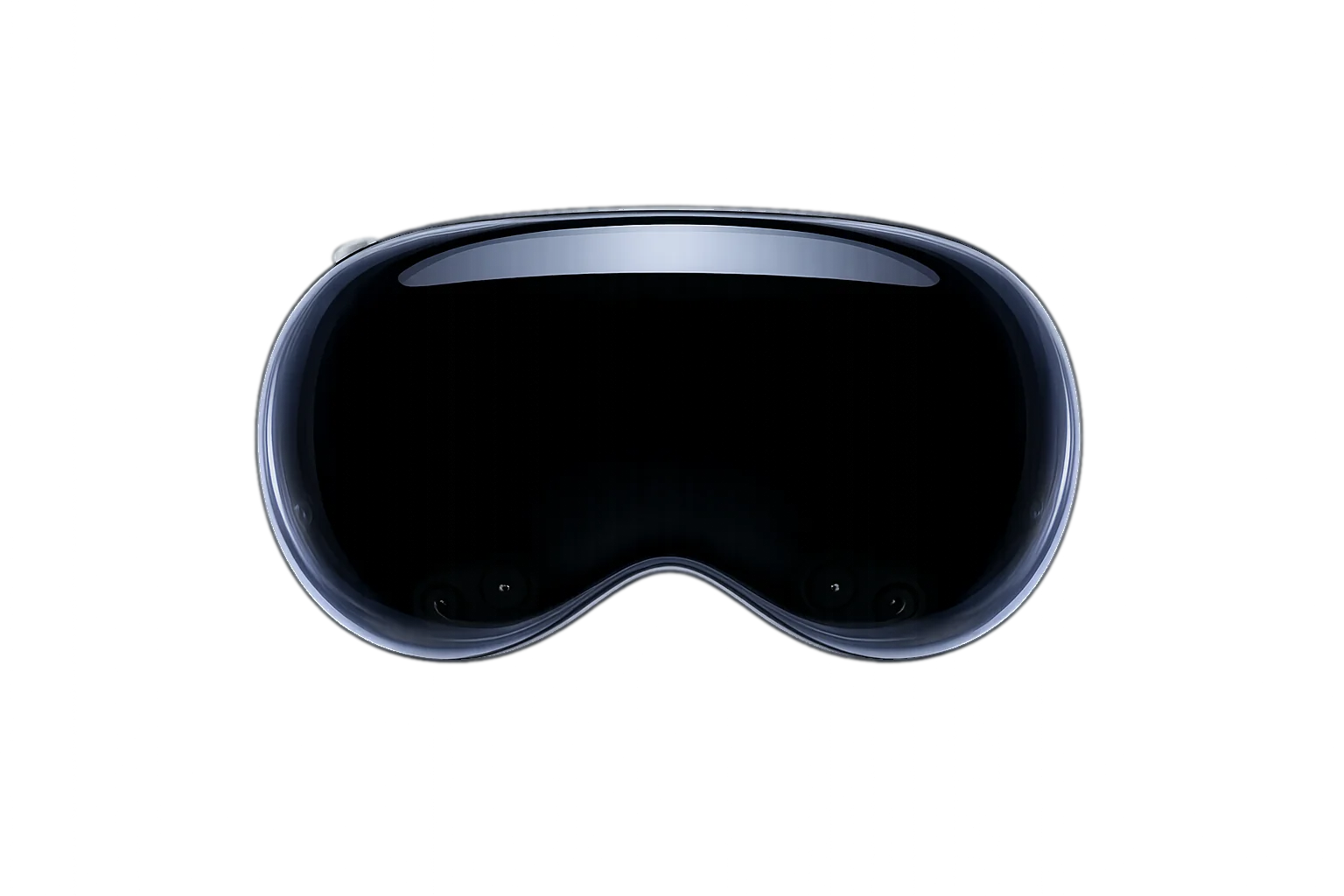
Built for Apple Vision Pro On the App Store November 2026

Apple Vision Pro

Designed for landscape pros - Built to help you win

A real session, in a real yard.

Rio Verde, Arizona·captured on Apple Vision Pro·unedited

00:00/--:--

Five familiar problems.
Five real fixes.

Everything you need to
design with confidence.

Easy to use, with an intuitive user interface. The plants you're working with sit in a seven-slot inventory bar in front of you - pick one, look where it goes, pinch, it's planted.

  1. 01

    Design in real space

    Drop life-size plants into the real yard and walk around them at true mature scale - before you buy a thing.

  2. 02

    Estimate on the spot

    Every plant you place is tallied from the prices you set on the dashboard. Add labor with one toggle, or leave it off. Export an itemized PDF while you're still standing in the yard.

  3. 03

    Draw the blueprint as you go

    Mark the house, the boundary and the features as you walk the property. The scaled PDF builds itself from what you mapped and everything you placed, including plants, lights and boulders.

  4. 04

    Night mode and mature view

    Place LED fixtures, then flip the yard to night and watch them shine across the plants. Switch to mature view and every plant grows to full size, so spacing and future scale are settled before anything goes in the ground.

  5. 05

    Hand your client the headset

    Give them the headset and tell them to give two thumbs up. They watch their yard grow to maturity right before their eyes. Tell them one thumbs down, and they see it lit up at night. No setup, no eye calibration, nothing to learn.

  6. 06

    Pick up where you left off

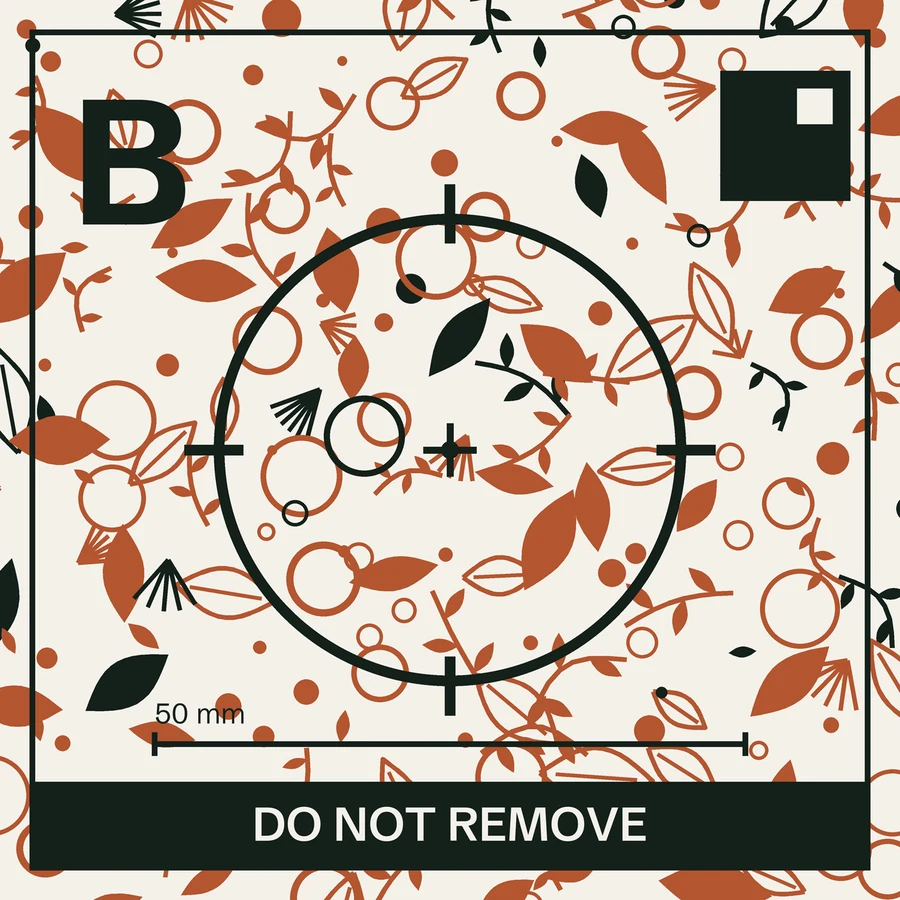
    Three printed plates go up around the property - on a wall, a post, a fence, anything that won't move - and stay there. Weeks later, look at them through the headset and the whole design snaps back exactly where you left it - for you, or for the crew.

    Verde Vision alignment plate B

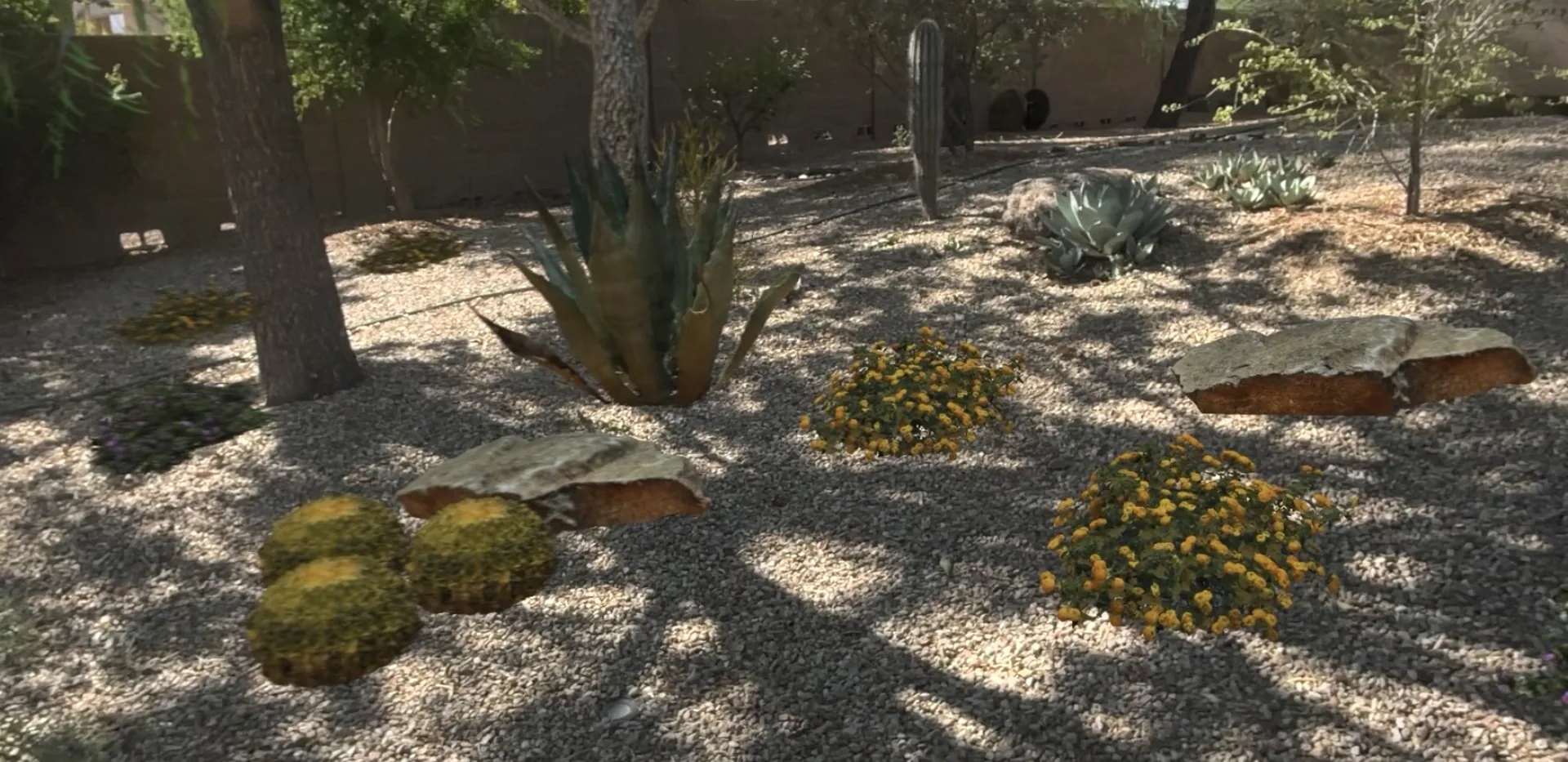
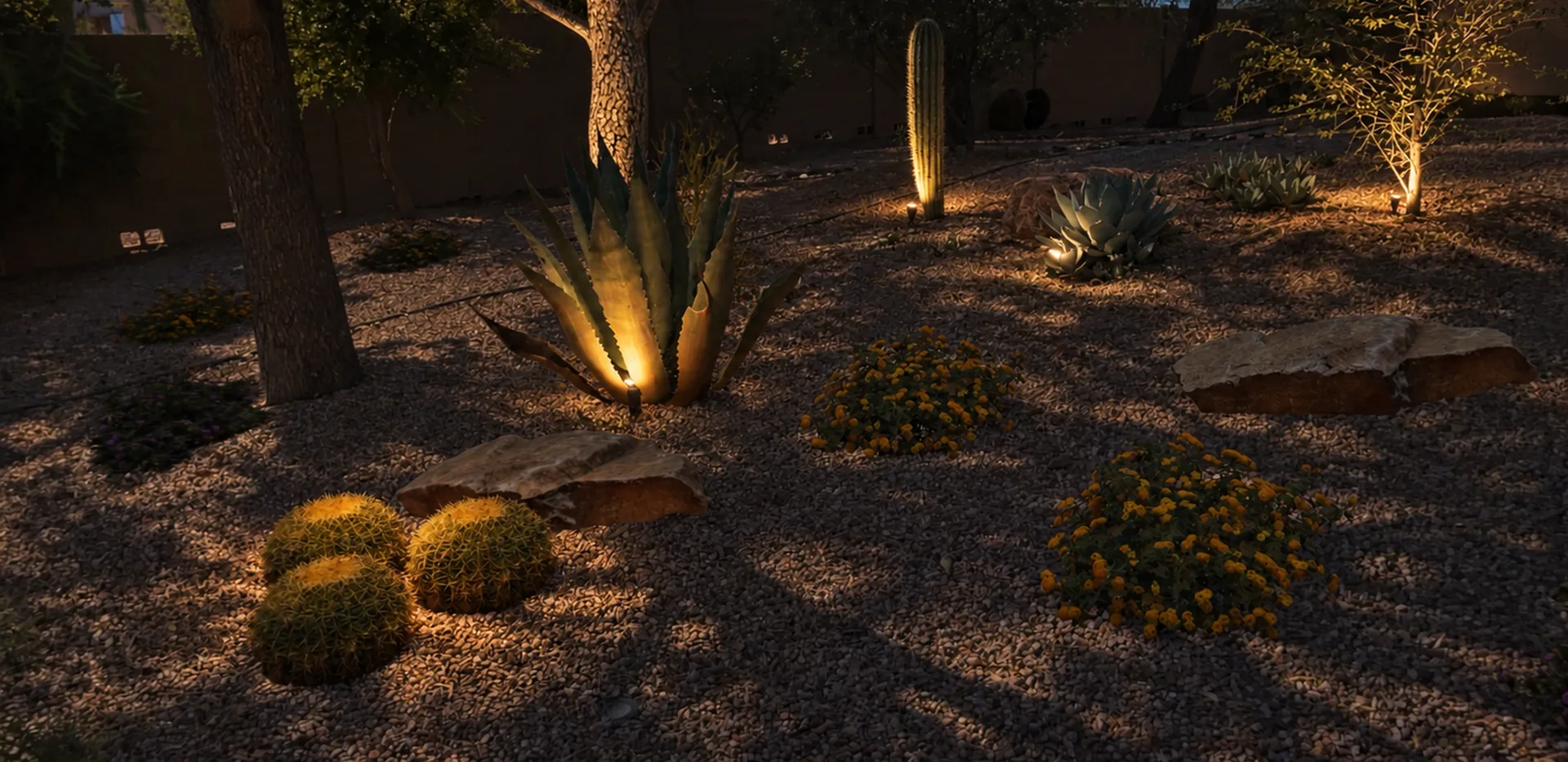
Walk your yard during the day, see it lit up at night.

Lighting is one of the hardest things for people to visualize. A plan can show where the fixtures go, but not what the yard will look like at night. Now it's possible. Your client stands in their own yard and watches the lights come on.

And the best part: the client does it themselves. A thumbs-down takes the yard to night, a thumbs-up brings the daylight back.

Thumbs-up and thumbs-down: the same two gestures in the headset.

A desert backyard designed in Verde Vision, seen through Apple Vision Pro in daylight The same yard at night, the placed uplights and path lights on
2:00 PM9:00 PM Captured in Verde Vision on Apple Vision ProNight lighting rendered from the same capture

A library of the Desert Southwest that keeps growing.

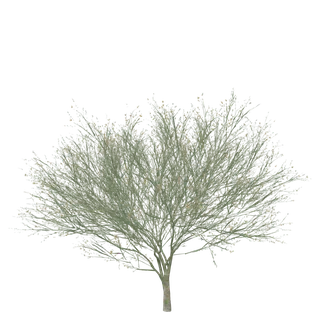
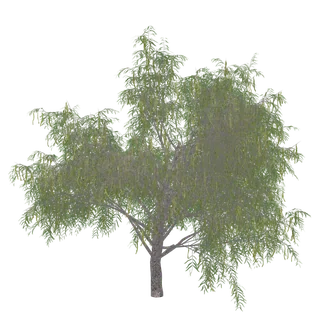
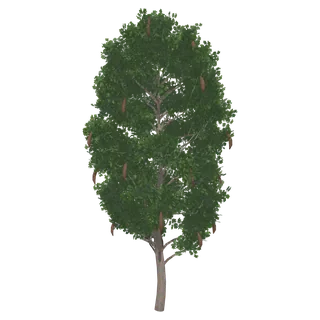
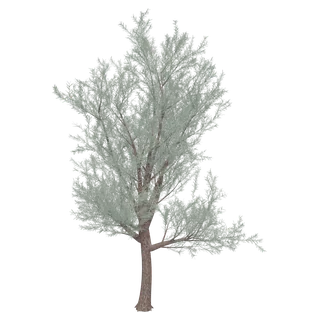
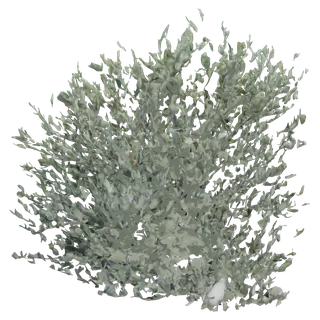
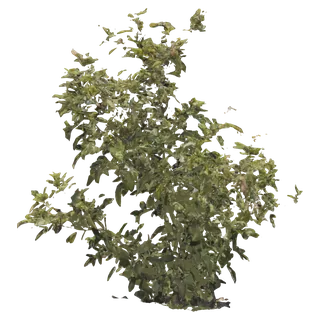
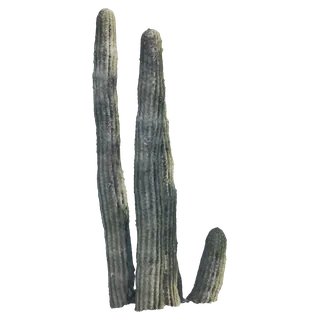
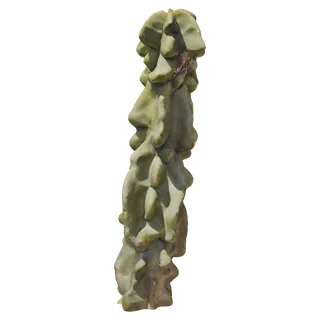
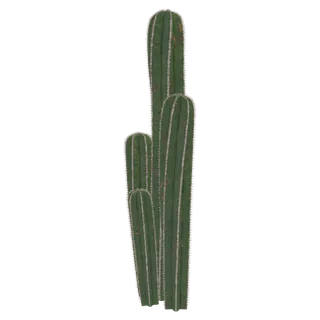
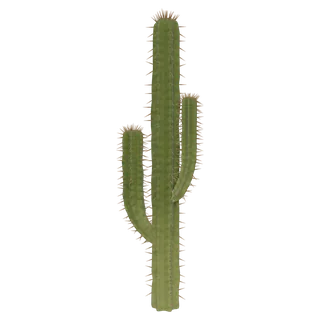
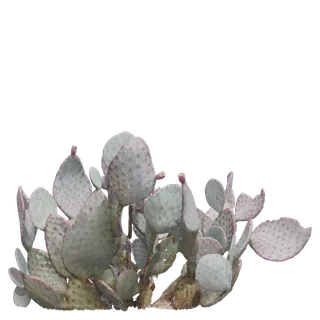
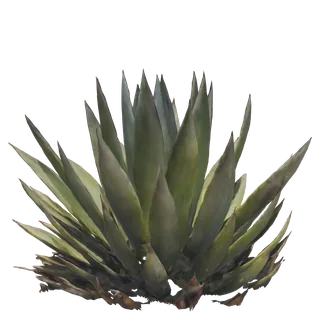
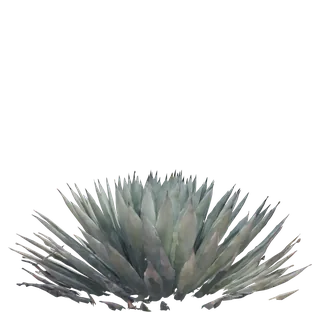
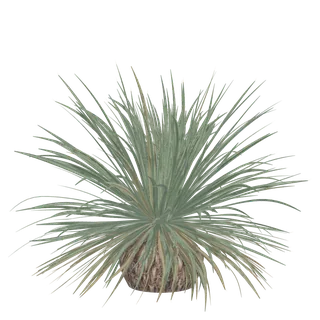
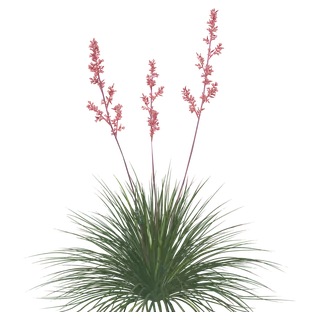
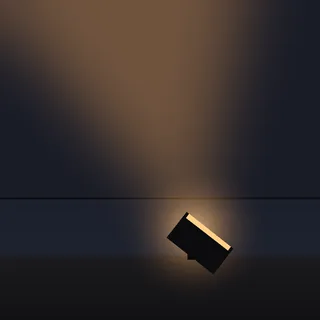
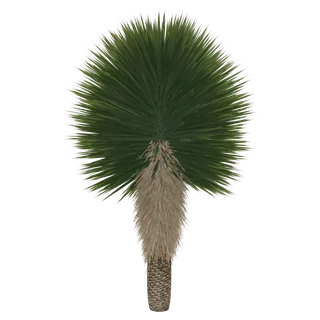
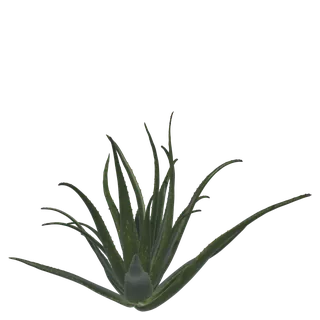
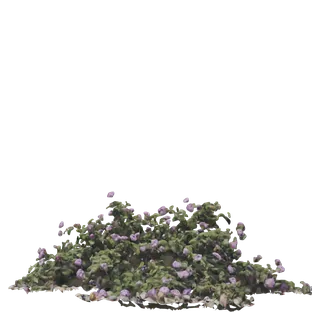
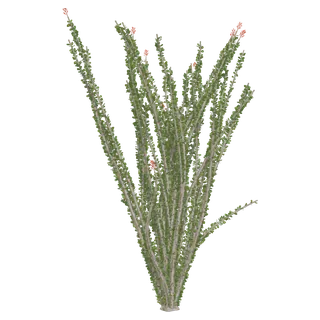
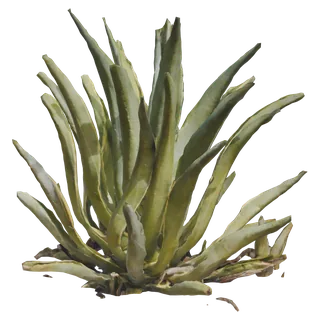
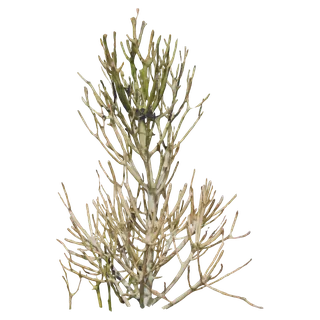
We scan real plants whenever we can so that there's no confusion for the client about what it will look like planted. The ones too big or too leafy to scan - most trees - we model in 3D. New plants are added every week, Desert Southwest first and other regions next. Every tile shown below is a render straight from the app.

  • Blue Palo VerdeBlue Palo VerdeTree
  • Honey MesquiteHoney MesquiteTree
  • Path LightPath LightLighting
  • Texas EbonyTexas EbonyTree
  • MulgaNewMulgaTree
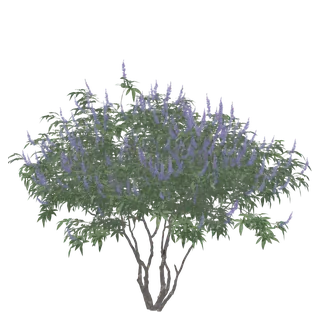
  • Chaste TreeChaste TreeTree
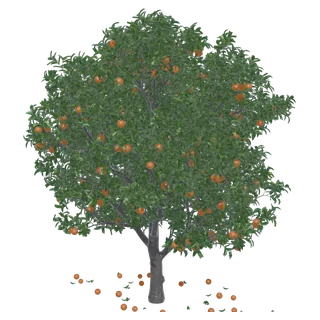
  • Orange TreeOrange TreeTree
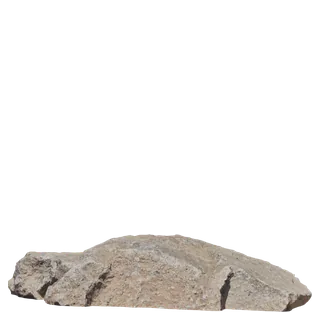
  • Arizona BoulderArizona BoulderBoulder
  • Texas SageTexas SageShrub
  • Green HopseedNewGreen HopseedShrub
  • JojobaJojobaShrub
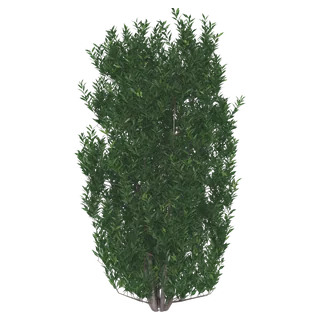
  • Little John BottlebrushLittle John BottlebrushShrub
  • Yellow BellsYellow BellsShrub
  • Madagascar PalmMadagascar PalmPalm
  • Organ PipeOrgan PipeCactus
  • Totem PoleTotem PoleCactus
  • Mexican Fence PostMexican Fence PostCactus
  • UplightUplightLighting
  • Argentine ToothpickArgentine ToothpickCactus
  • Golden BarrelGolden BarrelCactus
  • Fire BarrelFire BarrelCactus
  • Santa Rita Prickly PearSanta Rita Prickly PearCactus
  • Agave AmericanaAgave AmericanaAgave
  • Artichoke AgaveNewArtichoke AgaveAgave
  • Blue Glow AgaveBlue Glow AgaveAgave
  • Black Tip AgaveBlack Tip AgaveAgave
  • Desert SpoonNewDesert SpoonAccent
  • Red YuccaRed YuccaAccent
  • Flood LightFlood LightLighting
  • Beaked YuccaBeaked YuccaYucca
  • Aloe VeraAloe VeraSucculent
  • Purple LantanaPurple LantanaGroundcover
  • OcotilloOcotilloShrub
  • Aloe FeroxAloe FeroxSucculent
  • Yellow LantanaYellow LantanaGroundcover
  • Moroccan MoundMoroccan MoundSucculent
  • Tropical AgaveTropical AgaveAgave
  • FirestickFirestickSucculent
  • White Dawn LantanaWhite Dawn LantanaGroundcover

Pricing that grows with your firm.

Every plan includes 3 designer seats plus a free owner account - four logins in all - and starts with a free 30-day trial. A guided walkthrough inside the app teaches the core loop in your first session. Cancel anytime.

Regular rate From Dec 2, 2026

Standard

The full toolkit to design, visualize, and price a yard - for teams of any size.

$200 /month

Billed monthly

+ $40/mo per additional designer seat

  • 3 designer seats, plus a free owner account
  • Unlimited projects & client presentations
  • Life-size plant library, true to mature scale
  • Outdoor lighting & night mode
  • Property mapping - boundaries, features, measurements
  • PDF blueprints & instant estimates
  • Client dashboard with shareable 3D blueprints
  • Mature-yard preview - the design fully grown

Free 30-day trial - cancel before day 30 and pay nothing

Standard signup opens December 2, 2026. Until then, founding pricing is the way in.

What's a designer seat?

One seat is one designer's login - the Vision Pro app plus the client dashboard. Every plan includes 3 designer seats, and your owner account sits on top of those, so a plan covers four people in all.

Additional seats

$40/mo each. On monthly plans, add or drop seats anytime. On annual plans, a seat added mid-year is prorated - you pay only for the months left on your term, then renew at the full rate.

Billing

Monthly, or annual at $2,000/yr - two months free. Managed on the web dashboard.

Trial

Every plan starts with a free 30-day trial. Cancel before day 30 and you won't be charged a cent.

Founding Partner Program

Tell us about your firm and we'll confirm your founding rate by email - then your free 30-day trial locks it in.

Rather see it running first? Book a live demo - we'll bring the headset.

✓

Request received!

We'll be in touch by email shortly.

Your yard won't design itself.

Founding pricing runs through December 2. See it live in Anaheim, or we'll bring the headset to you.